
WMS · Warehouse management for shippers and 3PLs
Warehouse management for shippers and 3PLs. Live inventory, from dock to dispatch.
- Real-time inventory
- Directed put-away
- Validated picking
- Lot and pallet traceability
- Connected to your ERP, OMS and TMS
- Mobile app, nothing to install
ProdTech WMS runs receiving, put-away, picking and shipping on live data, with pallet-level traceability — for a single DC or a multi-client 3PL network. It connects to your ERP, TMS and OMS through ProdTech Connect.
When the warehouse starts to scale
More throughput. More control. Less dependence on manual work.
A WMS does more than put tasks on a screen. It runs the warehouse on rules, data and priorities set by the system, so you can absorb more volume, cut errors and scale without complexity growing at the same pace.
Today
- Throughput depends on what a few people know
- Volume spikes turn into bottlenecks
- Priorities get sorted out by hand, shift by shift
- System inventory doesn't always match the shelf
- Mistakes carry through picking, shipping and customer service
- Growth means more people, more checks, more coordination
With ProdTech WMS
- The floor runs on defined rules and priorities
- The system directs locations, routes and tasks when volume spikes
- More picks per shift with the same team
- Traceable inventory, accurate in real time
- Fewer errors and less rework across the process
- A warehouse ready to grow without multiplying complexity
The goal isn't a digital warehouse. It's a warehouse that performs better as it grows.
The architecture
Your WMS shouldn't work in isolation
Run it on its own or connect it to your ERP, OMS, TMS, e-commerce platforms, carriers and every system already in production.
As a standalone WMS
It goes in on its own and runs the warehouse end to end, with its own item master, locations and users. The right start when the warehouse is the first thing to fix.
Connected to what you already run
It works alongside the systems you have in production and takes from each what belongs to it. Integrations aren't coded system by system: they all run through ProdTech Connect, our integration layer, which standardizes what comes in and what goes out.
Connects with
- ERP
- Order management and customer portals
- Transportation management
- E-commerce and marketplaces
- Brokers and carriers
- In-house and third-party systems
Our system
ProdTech WMS, from receiving to shipping
It schedules dock appointments for your suppliers, checks every receipt against its purchase order, directs each pallet to a location, keeps pick faces stocked and closes every shipment with proof. Your team works with mobile scanners — or by voice, hands-free — so every move is recorded as it happens.

Controlled receiving
Dock appointments for suppliers, receipts checked against the purchase order, labeling and packaging records. Inventory updates the moment the receipt closes.
Directed put-away
The system suggests a location for every pallet and flags expiration dates; the operator confirms with a scan and the move is recorded.
Pick-face replenishment
Pick locations are replenished from reserve — full pallet, partial or manual — with a suggested destination and open-task management.
Validated picking
Tasks assigned by operator with live progress, barcode validation as each pallet is built, and short-pick logging.
Shipping with proof
Shipments closed by date, pallets grouped by product family, packaging records, shipping documents and photo confirmation as backup.
Inventory and traceability
Cycle counts by operator, a full movement history and status for every pallet, with live receiving and picking dashboards.
What doesn't usually come standard
Dock times, measured
Scheduled and actual arrival, check-in, unloading start and finish, departure. You know how long every truck stayed and where the time went.
Voice picking
Operators get their tasks through a headset and confirm by speaking, with both hands free. It works with gloves on and inside a freezer, where a touchscreen doesn't.
Multiple clients, multiple sites
Different companies and sites — each in its own time zone — on one system, with data kept separate by client. It works the same for your own operation and for running a 3PL network.
Every move has a name on it
Who, which pallet, which location, which lot and when — move by move. Inventory adjustments and relocations go through approval before they take effect.
Shipping by route and stop
Orders are grouped by route, stop and product family, with carrier, driver and plate number, and the system shows how full the trailer is before it's loaded.
Controls for regulated products
Temperature, shelf life, receiving inspections, allergens and product records, lot control and bonded inventory. The controls and the evidence you need when your goods answer to more than the customer.
On the floor
The warehouse app, in every operator's hands
It brings the WMS to the warehouse floor. Every screen is built for one hand and a glove — large fields, one value per step and instant confirmation — and the menu only shows what each operator's role allows.
An operator's workflow
Sign in
Operators log in and see only the modules their role allows. No menus that aren't theirs.
Scan
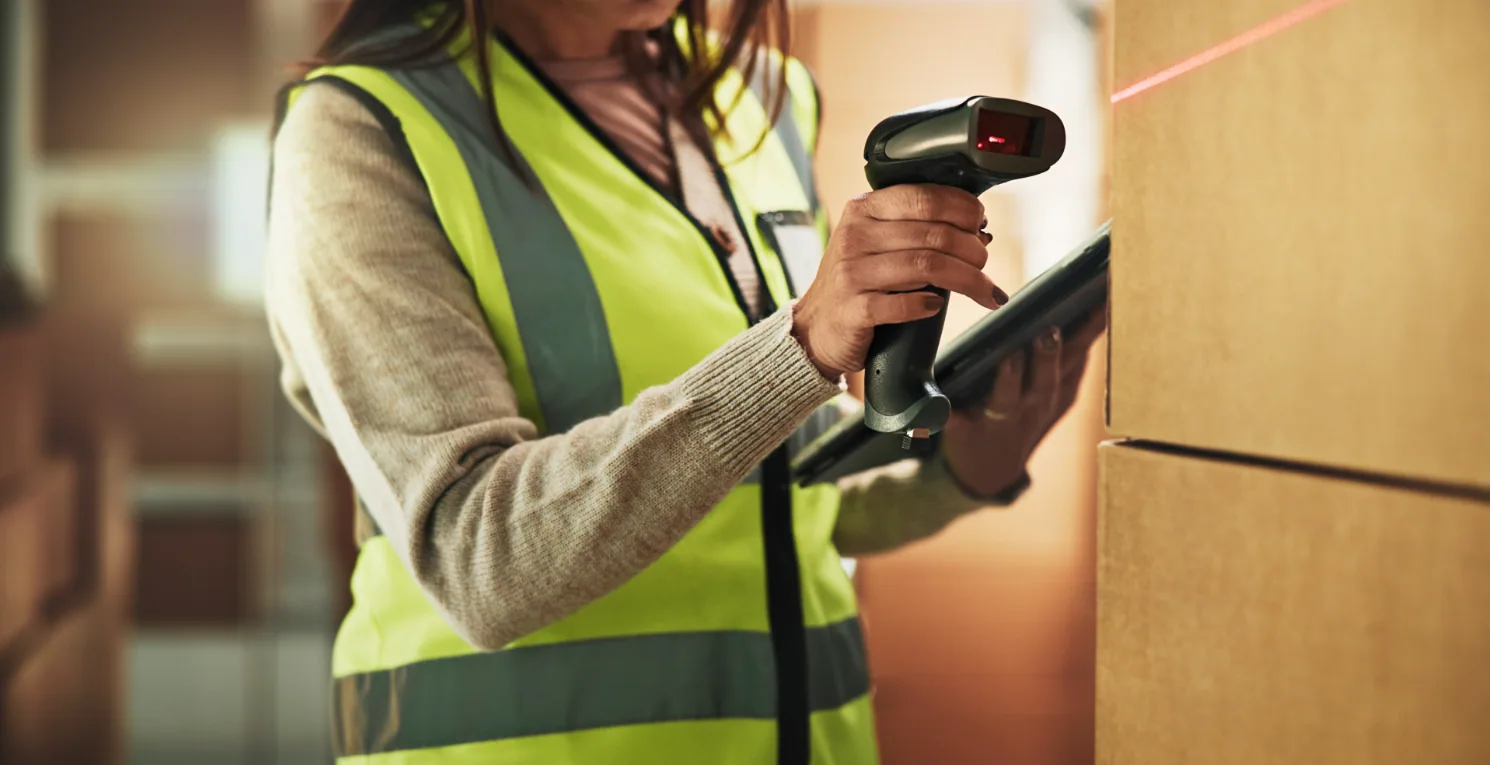
It reads the pallet, location or item barcode with a handheld scanner or the device camera — with a flashlight for dark aisles and on-screen feedback on every scan.
Confirm
The move is recorded instantly, and the warehouse dashboard shows it without waiting for the end of the shift.
Available modules
- Receiving
- Put-away
- Replenishment
- Picking
- Shipping
- Lookups
Good to know
- There's no app store and no APK to roll out: it installs from the browser, sits on the home screen with your icon and name — iOS included — and new features arrive without reinstalling device by device.
- It runs on rugged handhelds, on operators' phones and on tablets: the same app, laid out for each screen.
- It opens and keeps working when Wi-Fi drops in the aisles: records sync with the system as soon as the connection is back.
- You can start without buying hardware — the scanner is the camera on the phone your team already carries — and where a specific handheld is needed, it works alongside the ones already in your warehouse.
The result
What actually changes in your warehouse
More throughput without growing headcount at the same pace
The warehouse absorbs more volume because the system organizes tasks, priorities and travel paths.
More output per operator
The system directs the work, cuts unnecessary travel and reduces idle time.
Fewer errors reaching your customers
Inventory, picking and shipping discrepancies get caught before they turn into chargebacks, returns or claims.
Less dependence on key people
The operation no longer rests on whoever knows every location or exception: that knowledge lives in the system.
A warehouse ready to scale
Adding SKUs, orders, clients or volume doesn't mean adding manual checks.
And day to day
Full traceability
Every move is on record: who made it, what moved, from where, to where and when.
Decisions made on real-time data
Supervisors and managers see what's happening, where work is piling up and what needs attention.
Faster onboarding
New hires get productive sooner because the system guides the work and limits each role to the tasks it needs.
Better service levels
Higher accuracy, fewer incidents and more capacity to hit shipping cutoffs and customer commitments.
The result isn't just a digital warehouse. It's an operation that's more predictable, more productive and able to grow under control.
If you're evaluating
Where ProdTech WMS fits
Fit isn't about your industry — it's about how your warehouse runs. It shows up when inventory and picking need more precision than spreadsheets and manual checks can deliver, whether it's your own DC, a multi-client 3PL building or a network of sites.
3PLs
Multiple clients in the same building, each with its own rules, its own workflows and its data kept separate from everyone else's.
Shipper-owned distribution centers
Inventory, picking and shipping run by the system, so control doesn't depend on who's on shift that day.
Retail and e-commerce
High order volume, a wide catalog and priorities that shift during the day, with the floor directed by the system.
Manufacturing and distribution
Lots, pallets, expiration dates and replenishment, with traceability that travels with the product on every move.
Growing operations
The warehouse still works, but every jump in volume costs another manual check on top.
Warehouse complexity isn't measured in square feet. It's measured in volume, SKUs, clients, operating rules and the traceability you have to maintain.
FAQ
Frequently asked questions about ProdTech WMS
What is a WMS?
A warehouse management system (WMS) runs everything inside your four walls — receiving, put-away, picking, shipping and inventory — and records every move in real time, so system inventory matches what's on the shelf.
Is your WMS built for 3PLs?
Yes. Run multiple clients across multiple warehouses on one platform, each with its own rules and its own inventory.
Do you support dock appointments for inbound?
Yes. Suppliers book dock appointments, and every receipt is checked against its purchase order before inventory updates.
Can it track lots, expiration dates and temperature?
Yes. Every pallet carries its lot, expiration date and status from receiving to shipping, and the cold chain is documented from the moment product arrives.
Can our warehouse team use it in Spanish?
Yes. Each user picks their own language — English, Spanish, Portuguese or French today, with others available on request.
What hardware do we need?
Whatever your team already uses — phones, tablets or rugged scanners. The warehouse app runs in the browser with nothing to install, and its screens are built for one hand and a glove.
Does it integrate with our ERP and TMS?
Yes. ProdTech Connect syncs orders, item masters and inventory with your ERP, and our TMS and OMS plug into the same layer.
Want to see how ProdTech WMS would fit your operation?
We review your warehouse, your current processes and the integrations you need — and come back with a solution built around how you actually operate. The initial assessment is free.